BIO
COMSOL MULTIPHYSIC
Page authors
M J
March 16, 2017
COMSOL MULTIPHYSIC
>
ICOSAHEDRON
Project Description
Comsol Design Based off of a Solidworks Imported Design File
1.Either: create, or import an existing design
a. To create a SolidWorks design follow the step on my tutorial
ICOSAHEDRON
.
b. Import an existing design by using a Community of share engineering design; a great source to Import existing is
GRABCAD
.
2. Import STL File to Comsol
a. If creating own file be sure to save the file as an STL Extension. If not be sure to save the Cad or Solidworks file as STL.
3. On Comsol select the STL you wish to import
a. Model or Geometry-> Settings-> import-> Select STL File.
4. Good luck!
a. Be sure to add material and follow basic Comsol practices.
b.
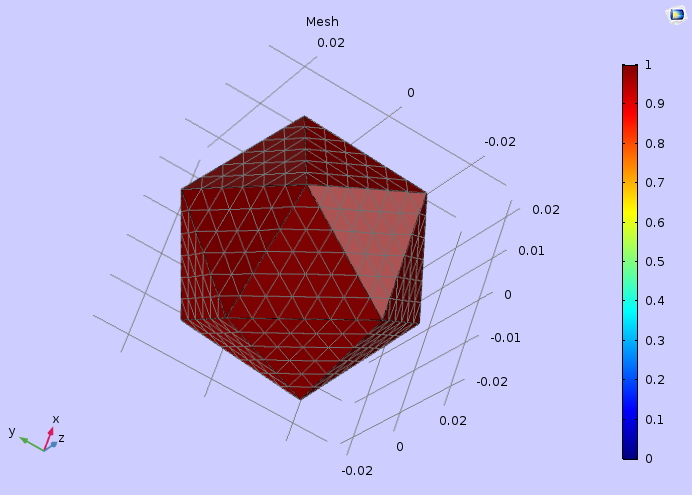
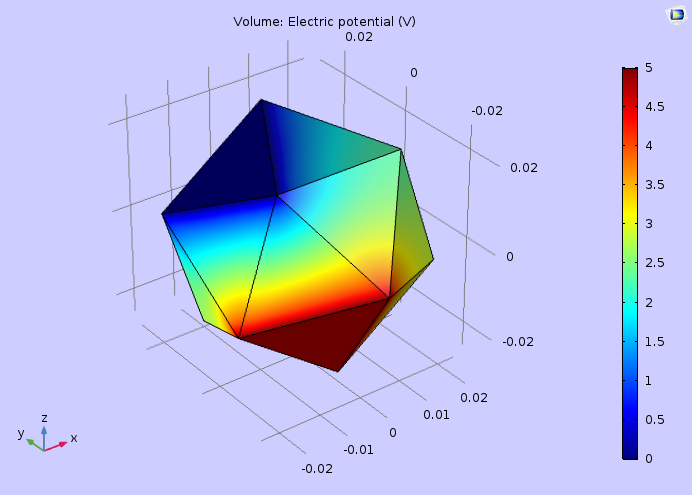
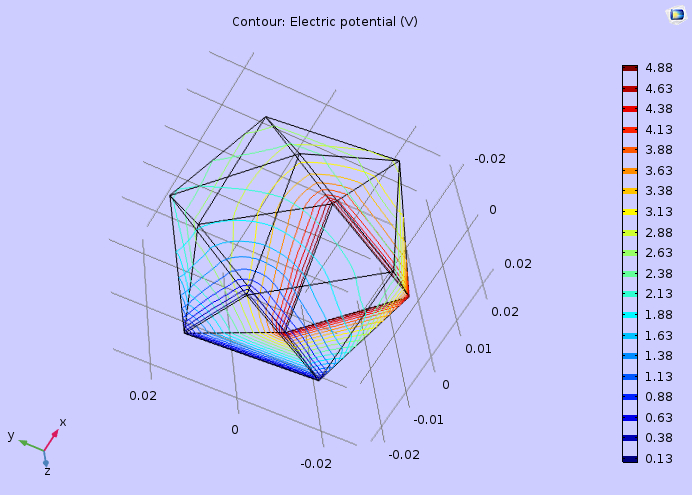
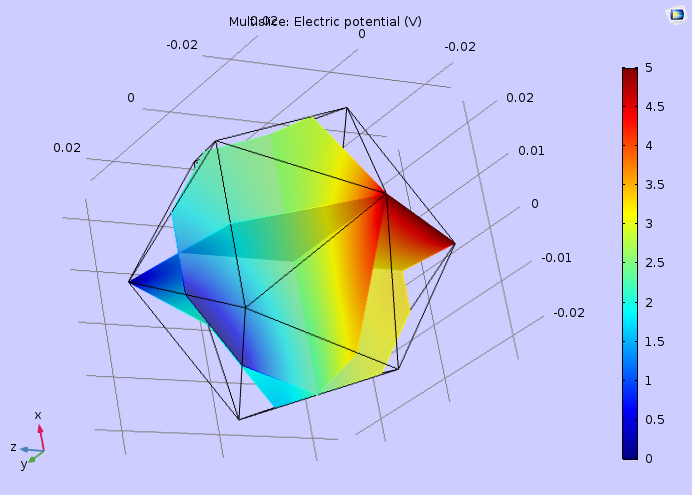
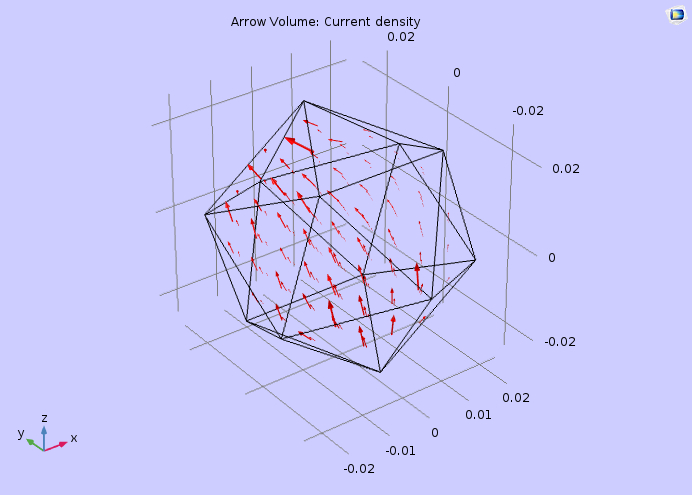
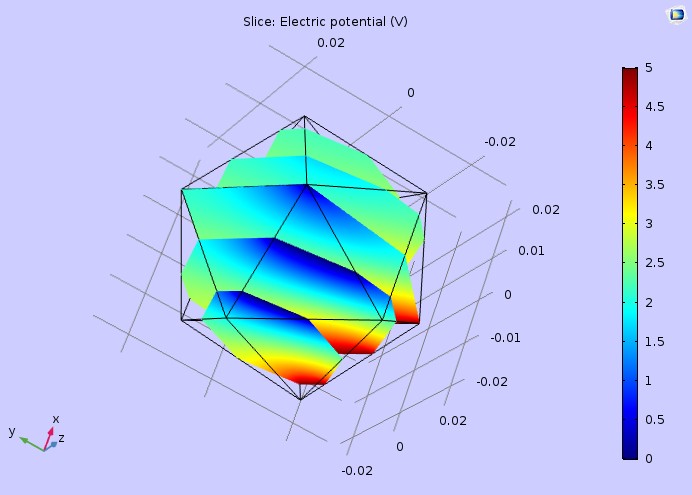
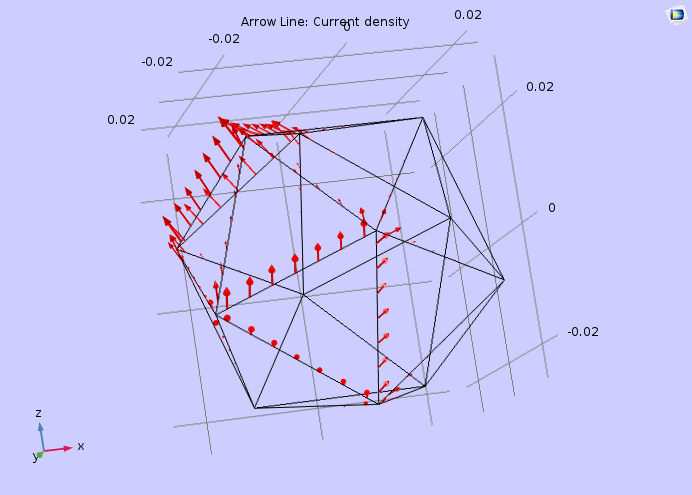
Below is a finish production. Notice how I was able to choose any side for voltage potential or ground; be sure to check out the contour.
MESH
Volume, Electric Potential
Contour, Electric Potential
Multislice, Electric Potential
Arrow Volume, Current Density
Slice, Electric Potential
Arrow Line Current Density